Up

What is Vibe Coding? The Secret to Making Programming Fun for Your Kids
93
14.10.20255 read min

What is Vibe Coding? The Secret to Making Programming Fun for Your Kids

Discover Vibe Coding, the modern method that makes learning to code fun and creative for kids. Learn how it works and why it's the future of IT education.
14
OCT
14.10.2025
.

Today's kids are digital natives. They grow up surrounded by technology, and as parents, we're always looking for ways to get them interested in programming without turning it into another boring chore.

What if learning to code felt less like a math class and more like a jam session?

That's the idea behind a new approach called Vibe Coding.


So, What Exactly is Vibe Coding?

Vibe Coding is a modern teaching method that’s all about creating a great atmosphere and getting kids emotionally invested. The name says it all: it’s about “programming with a vibe.” The focus isn't on memorizing syntax, but on the creative process of bringing ideas to life with code.

Think of it as a philosophy built on three key principles:
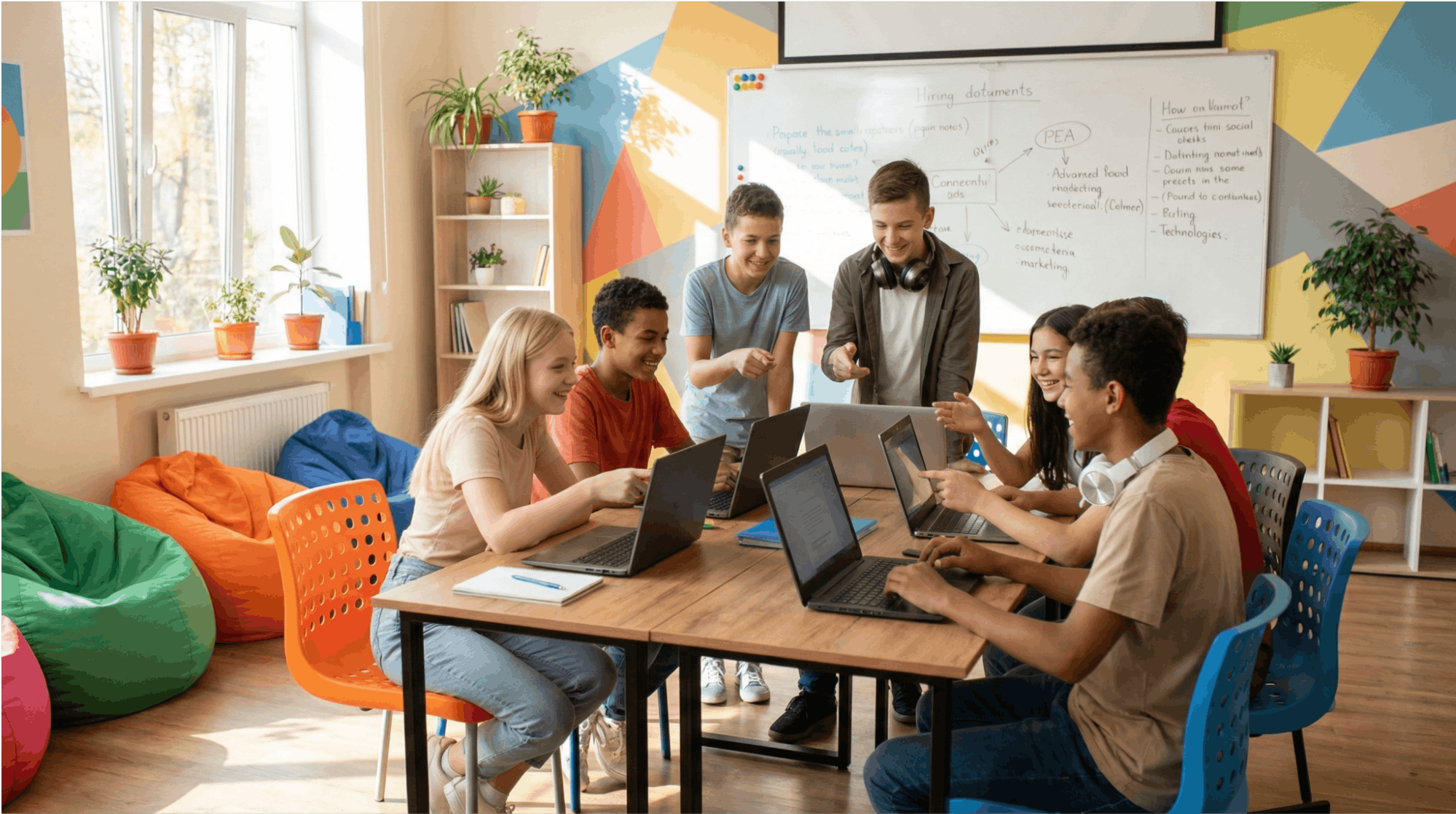
  • Emotional Engagement: Creating a positive, inspiring learning space where kids can express themselves through code, often with their favorite music playing in the background.

  • Intuitive Approach: Encouraging kids to trust their gut, experiment without fear of making mistakes, and learn through playful, visual projects.

  • Social Collaboration: Turning coding into a team sport where kids work together, share ideas, and build a community of like-minded creators.


How is Vibe Coding Different from Traditional Classes?

The difference is night and day. Where traditional classes can feel rigid and isolating, vibe coding is all about freedom and connection.


 Traditional Learning

 Vibe Coding

 Strict rules and syntax

 Creative experimentation

 Solving abstract problems   

 Building meaningful projects

 Working alone

 Team-based creativity

 Fear of making mistakes

 Mistakes are part of the process   


Key Methods We Use in Vibe Coding:

  1. Coding to a Beat: Kids write code while listening to their favorite music. This helps them get into a state of flow and reduces the stress of tackling complex problems.

  2. Visual, Project-Based Learning: Instead of boring console commands, kids create games, animations, and interactive stories they can actually show off.

  3. Storytelling with Code: Every project tells a story. This gives programming a purpose and makes it more meaningful for kids.

  4. Peer Programming: Students work in pairs or small groups, inspiring each other and sharing breakthroughs. It’s social, it’s fun, and it works.

Vibe Coding Meets Artificial Intelligence

Modern vibe coding is supercharged with AI tools. Kids aren't just learning to code; they're learning to collaborate with technology. They learn to:
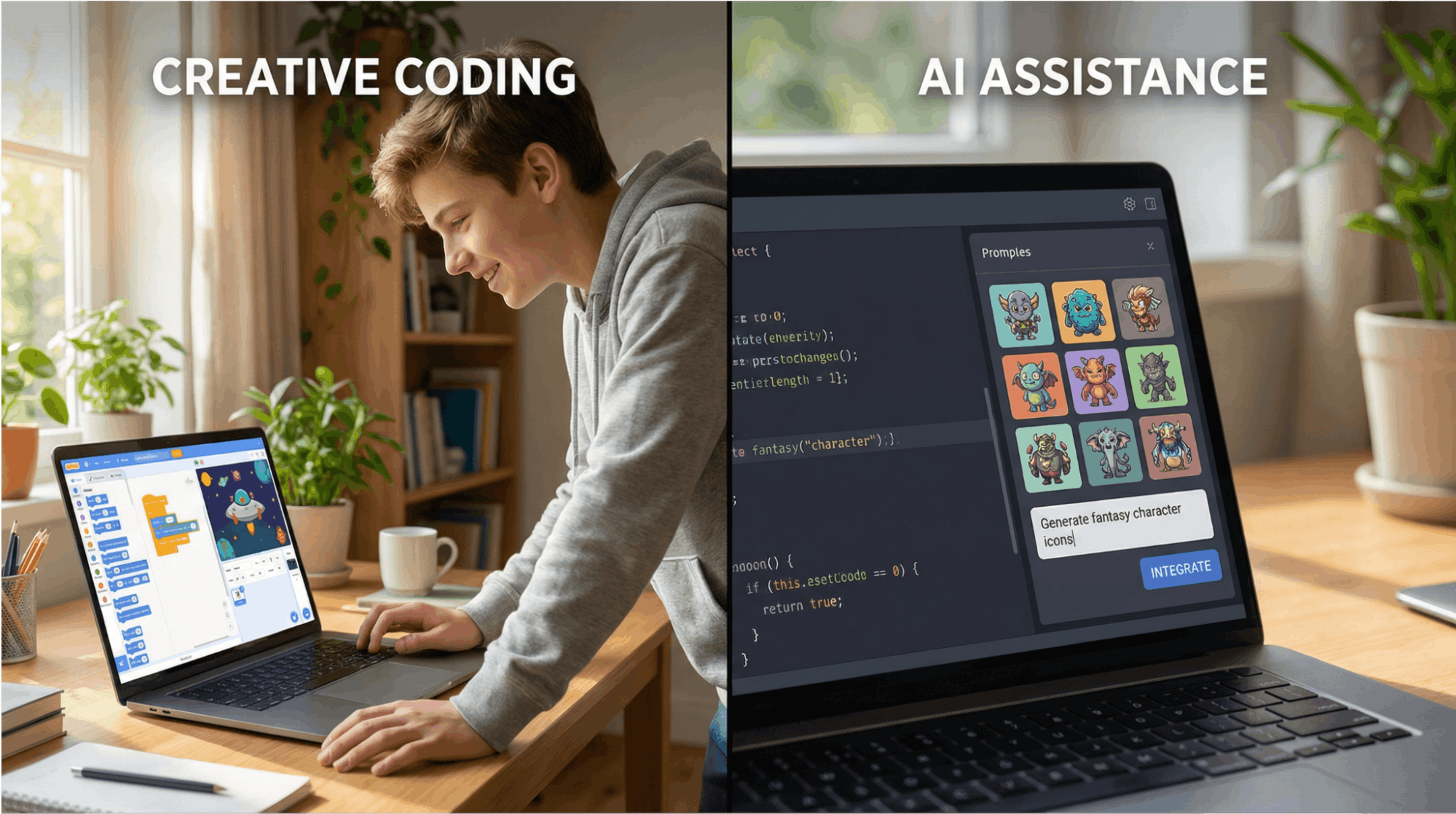
  • Brainstorm ideas and generate code snippets with ChatGPT and GitHub Copilot.
  • Use AI to create graphics and assets for their projects.
  • Understand the power and limitations of artificial intelligence.
  • Develop prompt engineering skills—the crucial ability to ask AI the right questions.


A Note from Our Expert: "Vibe coding with AI doesn't replace learning the fundamentals," says Anna Petrova, our lead curriculum developer at CODDY. "It makes the fundamentals more accessible and inspiring. Kids see results faster, which keeps them motivated and excited to learn more."


What Does Vibe Coding Look Like in Practice?

Instead of a dry lesson on for loops, imagine this:

Project: "Cosmic Journey"

  • A rocket ship moves across the screen using a loop.
  • A starry sky is generated using random numbers.
  • The soundtrack from their favorite sci-fi movie sets the atmosphere.

Instead of a boring if/else exercise, picture this:

Game: "Planet Saver"

  • The player collects trash and plants trees.
  • Conditional statements check the planet's health.
  • The game's visuals change based on the player's actions.

The Benefits of Vibe Coding for Child Development

This approach goes way beyond technical skills.

  • Emotional Skills: Builds confidence through successful projects, resilience by teaching that mistakes are okay, and empathy by creating projects for others.

  • Creative Skills: Fosters out-of-the-box thinking, develops an eye for design, and teaches the art of storytelling through code.

  • Social Skills: Develops teamwork, communication, and leadership skills through collaborative projects.


How Parents Can Support Vibe Coding at Home

  • Create the Right Atmosphere: Set up a comfy workspace. Let them play music. Don't criticize their first attempts — celebrate them!

  • Provide Technical Support: Make sure they have a stable internet connection and the right software. Look for online resources or consider a professional course.

  • Motivate and Inspire: Celebrate their finished projects. Share their work with family and friends. Talk about the amazing career opportunities in tech.


Vibe Coding at CODDY School

At CODDY, vibe coding is at the heart of everything we do. Our instructors create an atmosphere where:

  • Every child feels successful. We offer individual support and celebrate every win.
  • Learning is an adventure. We use game mechanics and exciting projects to make learning stick.
  • A community is born. Kids work in teams, mentor each other, and participate in hackathons.

CODDY Courses with Vibe Coding Elements:

The Future is Vibe Coding

Experts predict that within the next five years, vibe coding will become the standard for kids' IT education. As AI tools make programming more accessible, the focus is shifting from memorizing syntax to developing algorithmic thinking and creativity.

Ready to let your child fall in love with programming?

Sign up for a free trial lesson at CODDY and experience vibe coding firsthand. Our instructors will show you how learning IT can be an exciting, creative adventure.

→ Sign Up for a Free Trial Lesson

Author:
Oksana Selendeeva — Coddy's Founder and CEO

Thematic courses

The basics of App Inventor mobile app development

Creating games with Scratch

Animation Basics in Adobe Animate

Comments
No comments
Leave your comment
Your comment has been accepted and must be moderated!
The limit for sending comments has been reached
venues
Sign up for a course
Registration completed successfully!
An error occurred. Please inform the administrator
You have sent many applications. try later
This field is required
Invalid e-mail entered
+1
This field is required
Promocode not applied
Promocode applied
Trial lesson
Registration completed successfully!
An error occurred. Please inform the administrator
You have sent many applications. try later
Your name and surname
This field is required
Your e-mail
Invalid e-mail entered
Your phone
+1
This field is required
Promo сode
Promocode not applied
Promocode applied
Registration completed successfully!
An error occurred. Please inform the administrator
You have sent many applications. try later
Your name and surname
This field is required
My city
This field is required
Your e-mail
Invalid e-mail entered
Message
This field is required
Pre-entry
Registration completed successfully!
An error occurred. Please inform the administrator
You have sent many applications. try later
Your name and surname
This field is required
Child's name
This field is required
My city
This field is required
Your phone
This field is required
Your e-mail
Invalid e-mail entered
Start month
March 2026
April 2026
May 2026
Request a call
Thank you, the administrator will contact you as soon as possible.
Something went wrong, try to send the request later.
You have sent many applications. try later
Your name and surname
This field is required
Your phone
+1
This field is required
Something went wrong, try to send the request later.
You have sent many applications. try later
Your name and surname
This field is required
Your phone
This field is required
Pay for the classes
An error occurred. Please inform the administrator
You have sent many applications. try later
Name and surname of the child
This field is required
Your e-mail
Invalid e-mail entered
The amount of payment
Please type an integer number
Pay
Give feedback
Thank you for your feedback.
Something went wrong, try to send the request later.
You have sent many applications. try later
Your name and surname
This field is required
Your e-mail
Invalid e-mail entered
Your photo
Rate school
Rate teacher
Review
This field is required
Registration completed successfully!
Close
For registration and with any questions, please contact us by phone +7 (495) 106-60-11 or email info@coddyschool.com
Close
Close
Выберите язык Choose a language Тілді таңдаңыз Виберіть мову Sélectionnez la langue Sprache wählen
Choose a language
RU
EN
KZ
UA
FR
DE
OK
Preview